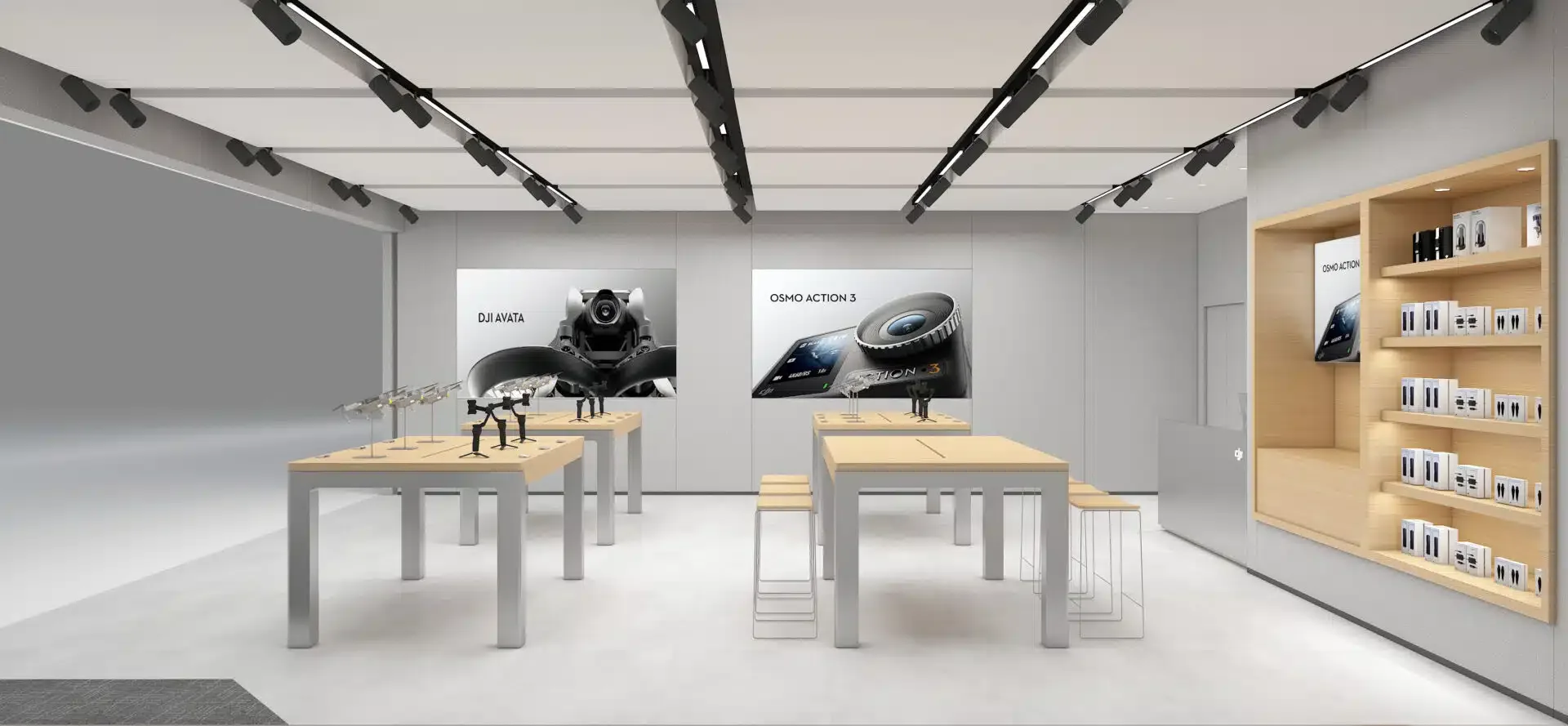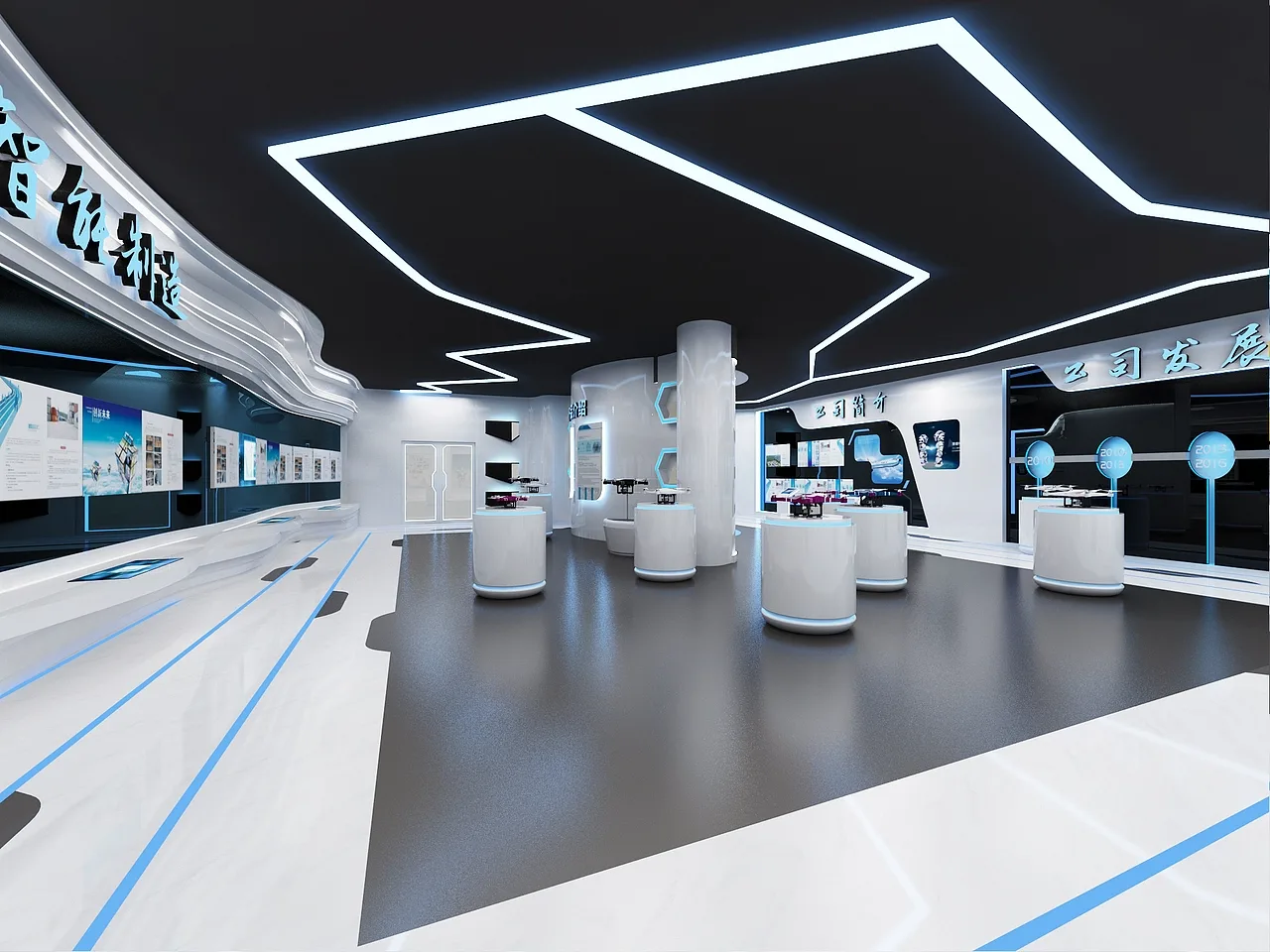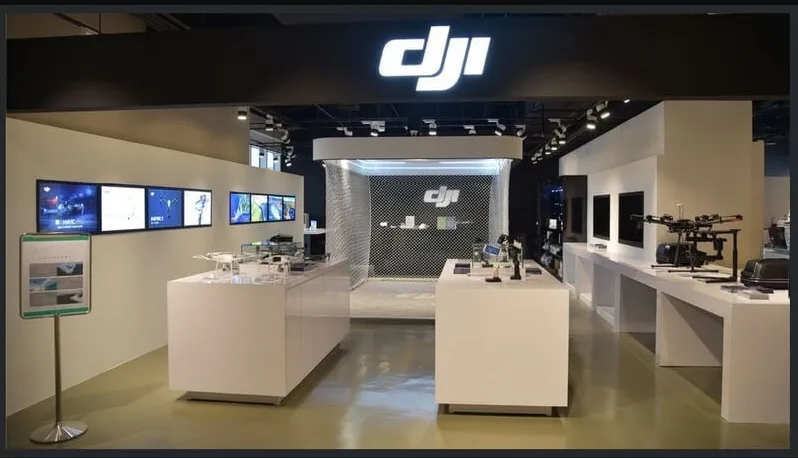
Design reference: this page is not presented as a completed Benson Display client project. Use the layout and fixture ideas to describe your own requirements; specifications and project scope need separate confirmation.
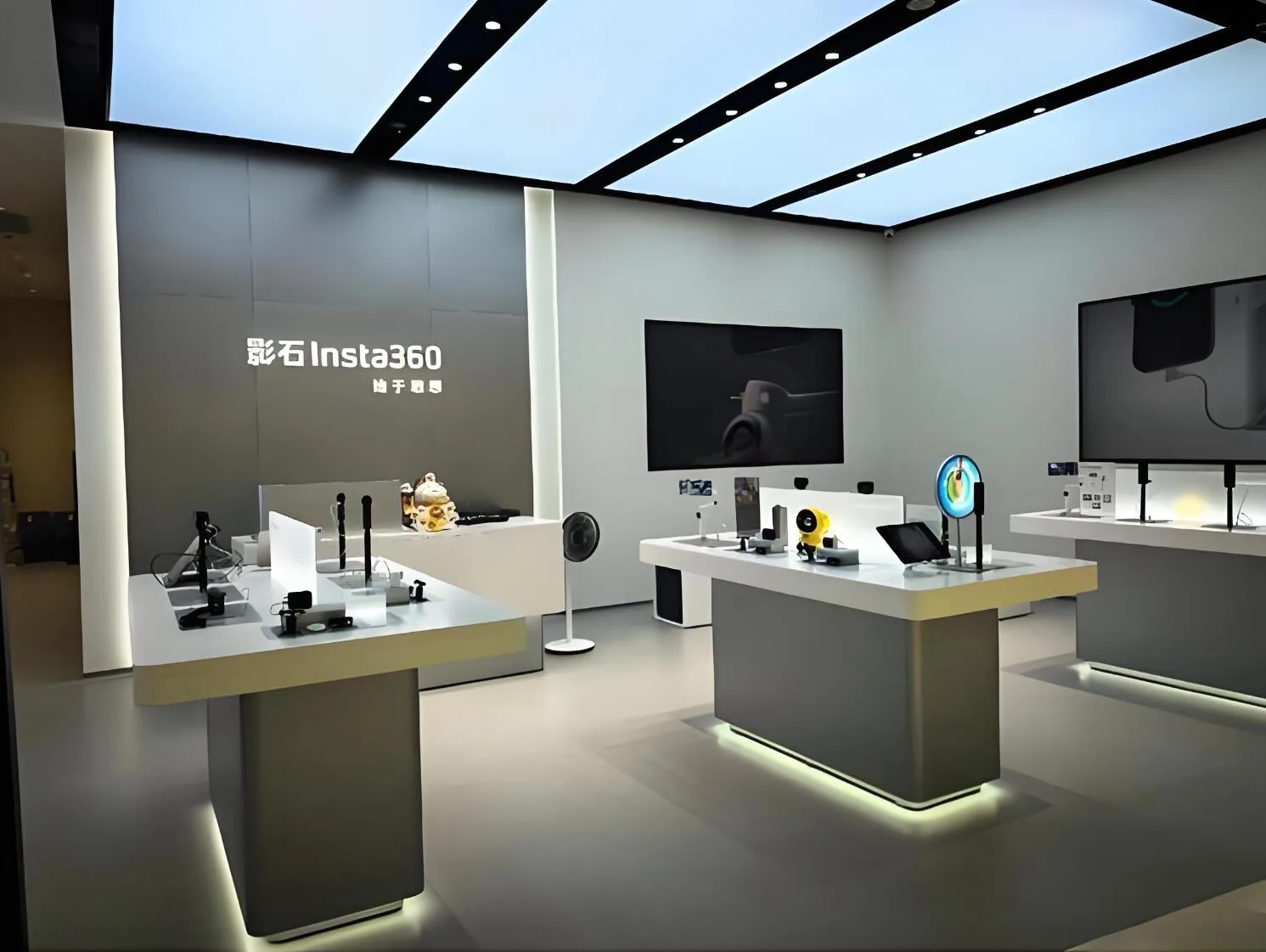
Store Design & Decoration:
Displays:
Additional Design Views
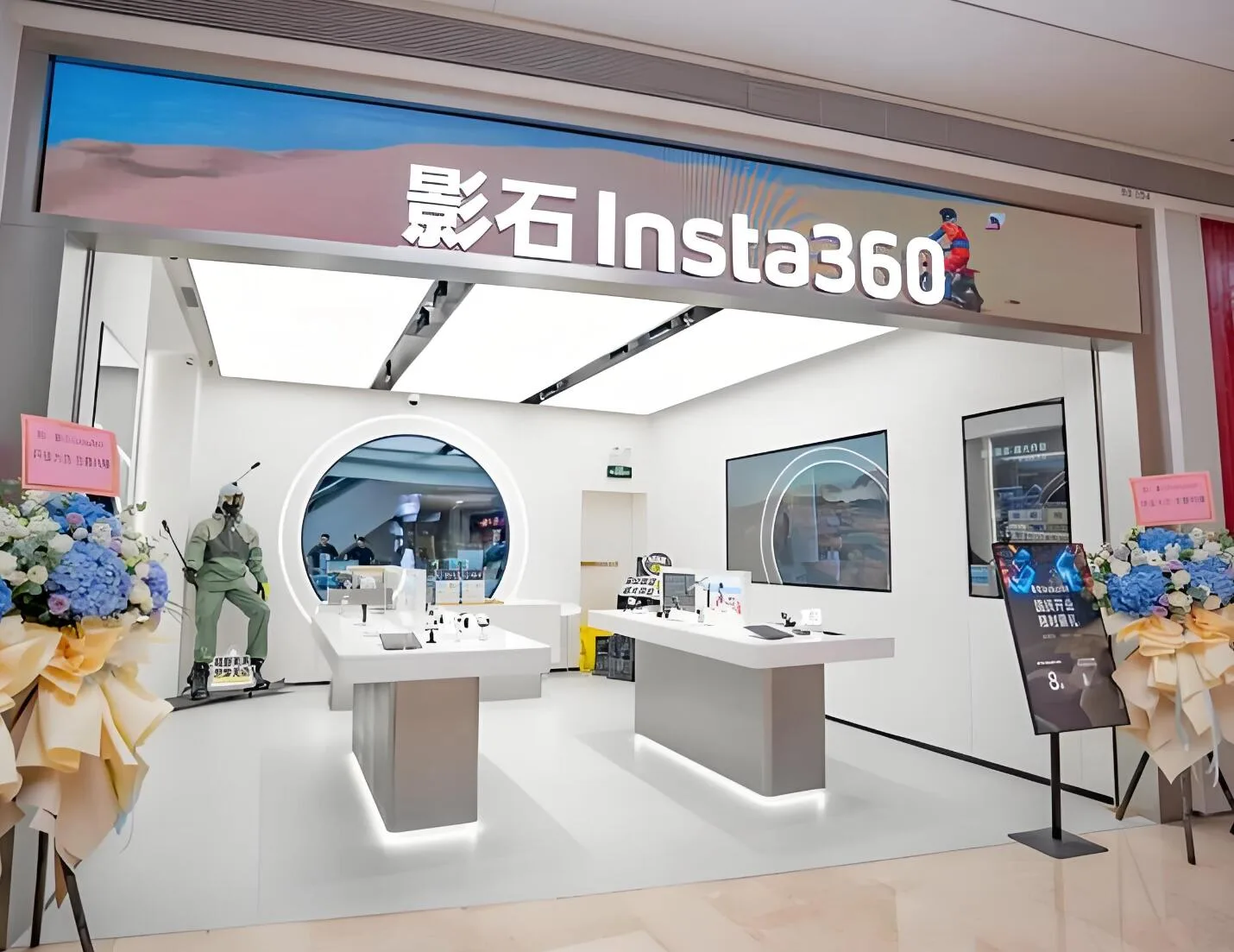
Connect Product Display with Hands-On Demonstration
Group the products by the way customers compare them. A demonstration table should make it easy to understand the main device, compatible accessories and the next step in the purchase. Record the actual product footprint and the space needed to handle or test it. Reserve a place for product information rather than relying on a screen or a decorative backdrop to explain every feature.
Plan power and cable routes before the fixture design is approved. Demonstration equipment may need charging, network access, ventilation or secure tethering, depending on the products. Confirm these requirements with the device supplier. Keep maintenance access and replacement of cables practical so the installation can be serviced without dismantling the whole display.
Separate active demonstrations from stock collection and payment. A customer trying a device or a gaming setup should not block the main browsing route. Include storage for packaging, accessories and staff equipment in the plan. Supply the product list, measured floor plan and intended demonstration activities when requesting a proposal so the fixtures can be matched to everyday use.
Prepare a Project-Specific Quotation
Use the reference as a starting point, then provide a measured floor plan or the available installation footprint. Mark entrances, existing fixtures, power points and any fixed obstructions. Include the products or equipment to be accommodated, the number of units required and the preferred colour or finish references. These details help turn a visual idea into a clear scope for drawings and pricing.
Ask the proposal to identify the agreed dimensions, materials, supplied components and installation responsibilities. Confirm packaging, the delivery destination and the required schedule separately. Existing reference descriptions do not establish a current price, production time, certified performance or an exact material specification for your order. Send your requirements to Benson Display to discuss the configuration and receive a quotation for the actual project.